Eyebrow: CUSTOMER SUPPORT, TICKET TRIAGE & HUMAN ESCALATION
AI Customer Support Automation That Helps Customers Get a Better First Response
Customers do not judge support by how advanced the technology is. They judge it by whether they get a useful answer, whether their issue reaches the right person and whether they have to repeat themselves.
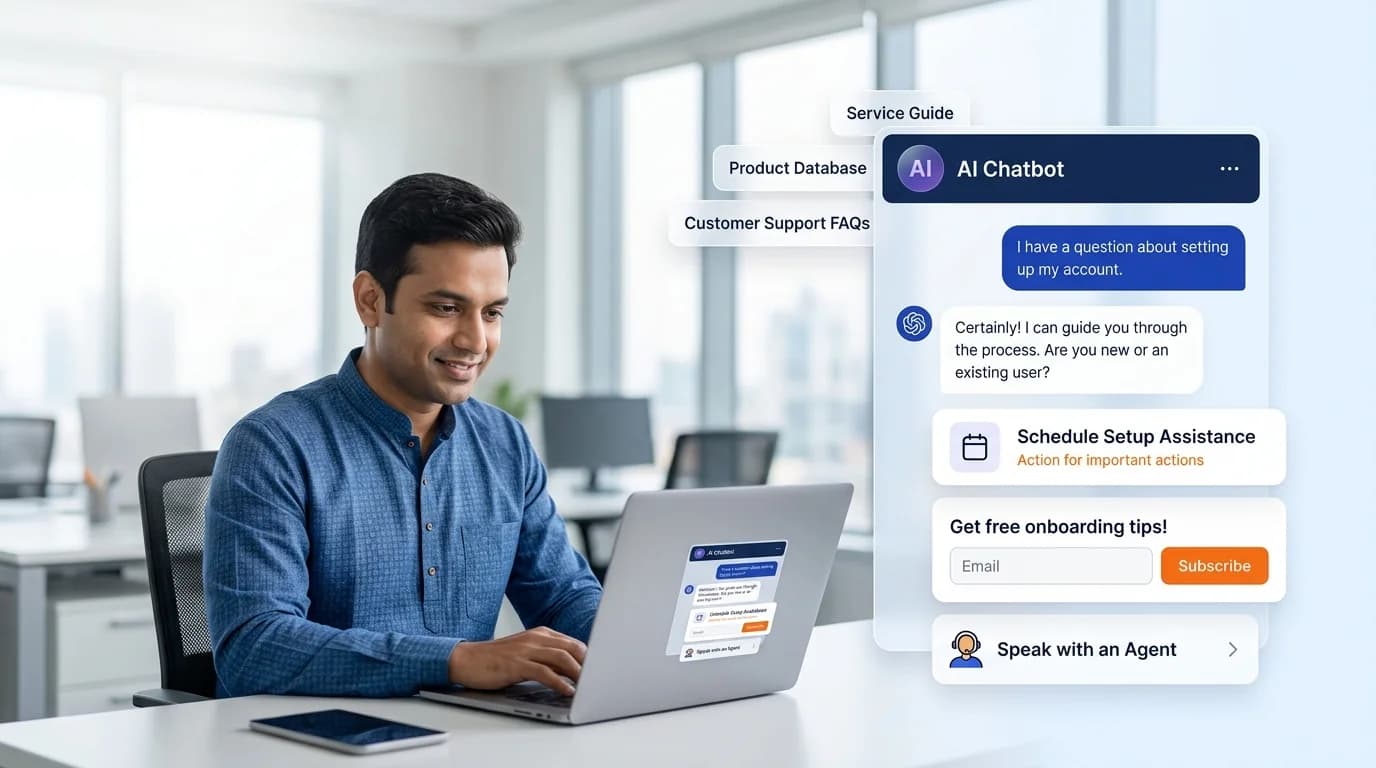
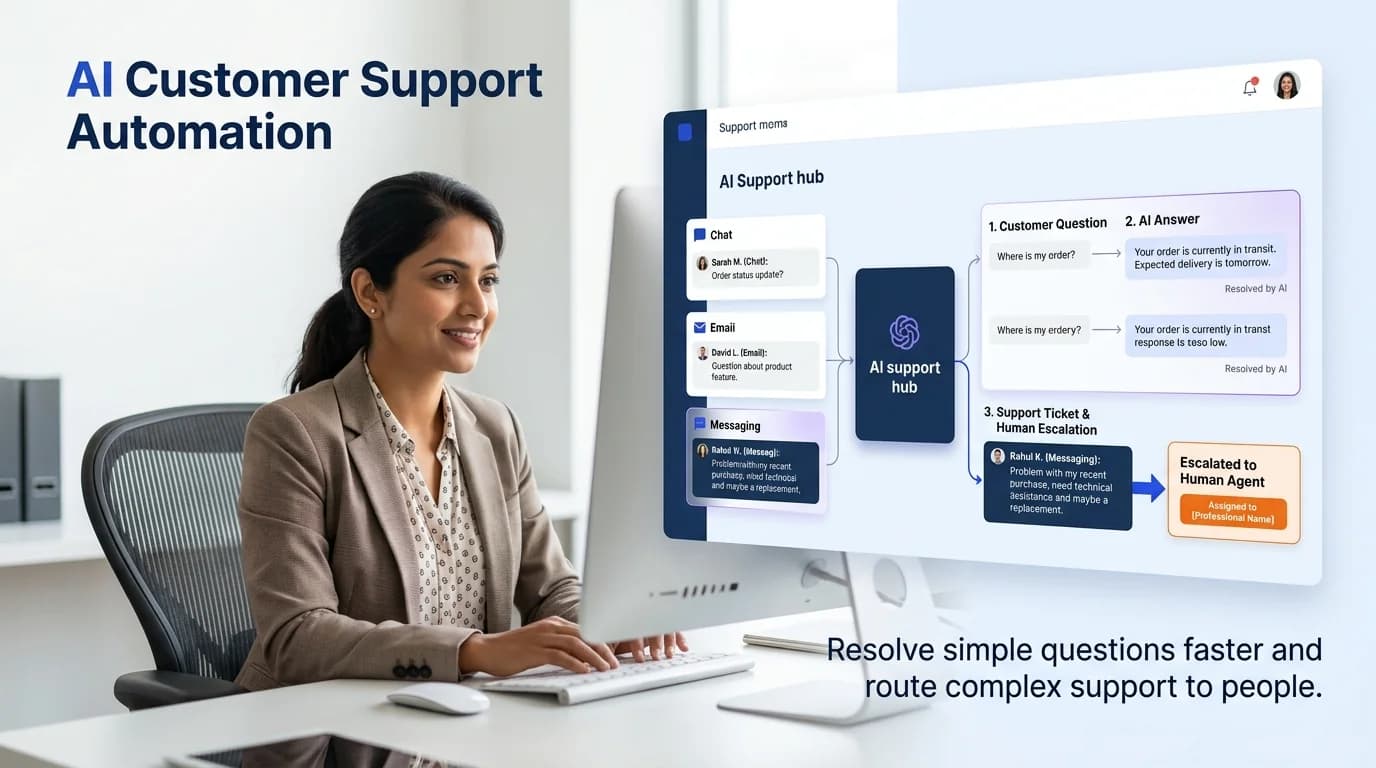
Growlixa builds AI customer support automation systems that help teams handle repetitive questions, route requests, retrieve approved information, create useful ticket context and escalate complex cases to people who can solve them. The system is designed around the real support journey—not around making every customer interaction fully automated.
The goal is to reduce avoidable waiting and repeated manual work while preserving human care for issues that need empathy, judgment or specialist knowledge.
Primary CTA: Review Your Support Workflow →
Supporting line: Support triage · Approved knowledge · Ticket routing · Human escalation · Service insight
Faster support is useful only when it is also accurate and accountable
A support inbox can become a mixture of simple questions, urgent problems, complaints, repeat enquiries, order issues and messages that belong to another team. When everyone receives the same generic response or waits in the same queue, customers become frustrated and support teams become overloaded.
A stronger process separates the journey:
AI can assist the first steps. It can recognise common requests, retrieve approved information, collect missing details, summarise the issue and route it to the right owner. People remain responsible for complex resolutions, complaints, sensitive data and important customer decisions.
What is AI customer support automation?
AI customer support automation combines conversational AI, knowledge retrieval, workflow rules and support-system integrations to improve how customer requests are handled.
It can support:
- first-line FAQ response;
- order, booking or account guidance;
- support-request classification;
- urgency and intent routing;
- ticket creation;
- collection of missing information;
- suggested answers for support agents;
- human handoff;
- support summaries and reporting;
- identification of repeated customer problems;
- support knowledge-base improvement.
A support automation system should not hide the human route, invent a solution, dismiss a complaint or make sensitive decisions without appropriate escalation.
What Growlixa AI customer support automation includes
Support journey and ticket audit
We start by understanding what customers ask, how the team responds and where delays or repeated work occur.
We review:
- support channels: website, email, WhatsApp, phone, social or helpdesk;
- common support intents;
- recurring questions;
- ticket categories and ownership;
- response-time expectations;
- escalation process;
- knowledge sources;
- customer-data handling;
- existing helpdesk and CRM tools;
- team capacity and support quality indicators.
You receive: support journey map, intent categories, friction findings and automation opportunity plan.
Intent, urgency and routing design
Not all customer messages need the same response. We help define the routes that matter.
For example:
- simple information request → approved answer;
- order / booking question → account lookup or support route;
- product issue → ticket with relevant context;
- complaint → human escalation;
- urgent or sensitive issue → priority team route;
- sales enquiry → lead or sales flow;
- language-specific request → suitable team or channel.
The business approves the categories, priority rules and ownership. AI supports the routing; it does not remove accountability.
Knowledge-backed customer answers
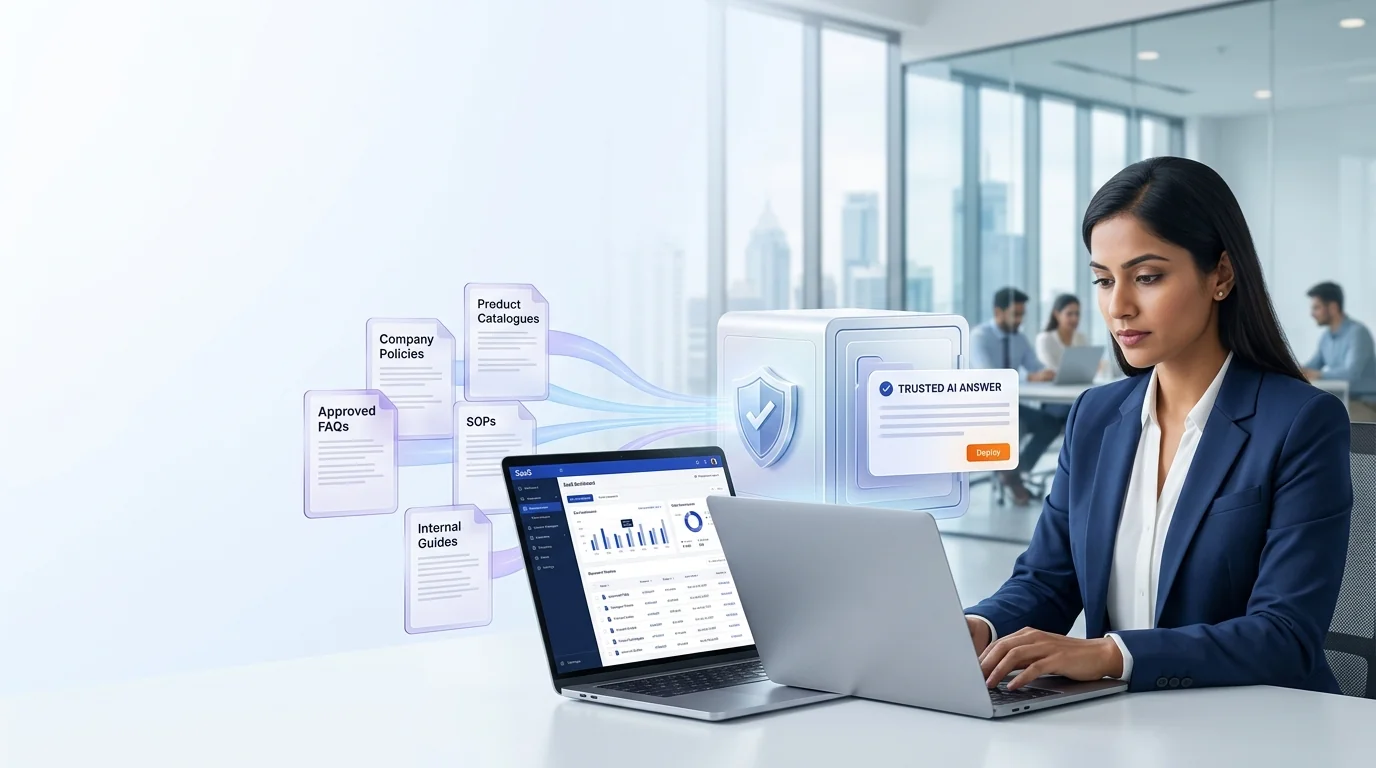
A support assistant needs approved information. We prepare or connect relevant sources such as:
- support articles;
- product documentation;
- service process;
- booking / delivery / return policy;
- account setup guidance;
- warranty or service information;
- FAQs;
- troubleshooting guidance;
- approved escalation instructions.
For advanced retrieval over internal documents, Growlixa can connect an AI Knowledge Base & RAG System.
Ticket creation and support context
When a customer needs a person, the support team should receive useful context instead of a blank ticket.
The workflow can capture:
- customer contact details;
- request category;
- issue summary;
- relevant product, order, booking or service context;
- urgency and impact;
- prior conversation history;
- attachments or requested information;
- recommended owner or department;
- customer preferred contact route.
This reduces repeated questioning and helps the human start from a better position.
Human handoff and sensitive-case escalation
Support automation needs clear limits. We define handoff rules for:
- customer request for a person;
- complaint or negative feedback;
- urgent issue;
- billing or payment dispute;
- sensitive data request;
- medical, legal or financial question;
- account-security issue;
- low-confidence answer;
- repeated failure to resolve the request.
The handoff should preserve the conversation history and provide the human agent with an understandable summary.
Agent assist and internal support tools
The same knowledge and automation can support your own team. An internal assistant can help agents find approved answers, summarise conversations, identify the correct policy or draft a response for review.
This does not remove the agent’s judgment. It helps reduce time spent searching through documents or typing repeated content.
Support analytics and continuous improvement
Support conversations are a valuable source of business insight. We review:
- top support intents;
- repeated unanswered questions;
- handoff reasons;
- ticket volume by category;
- resolution pathways;
- response-time patterns;
- knowledge gaps;
- product or service friction reported by customers;
- customer and agent feedback.
This can improve not only the assistant but also the product, service, website and customer journey.
From customer input to a useful business action
Every Growlixa AI workflow is designed around clear actions, reliable data movement and human escalation where needed.
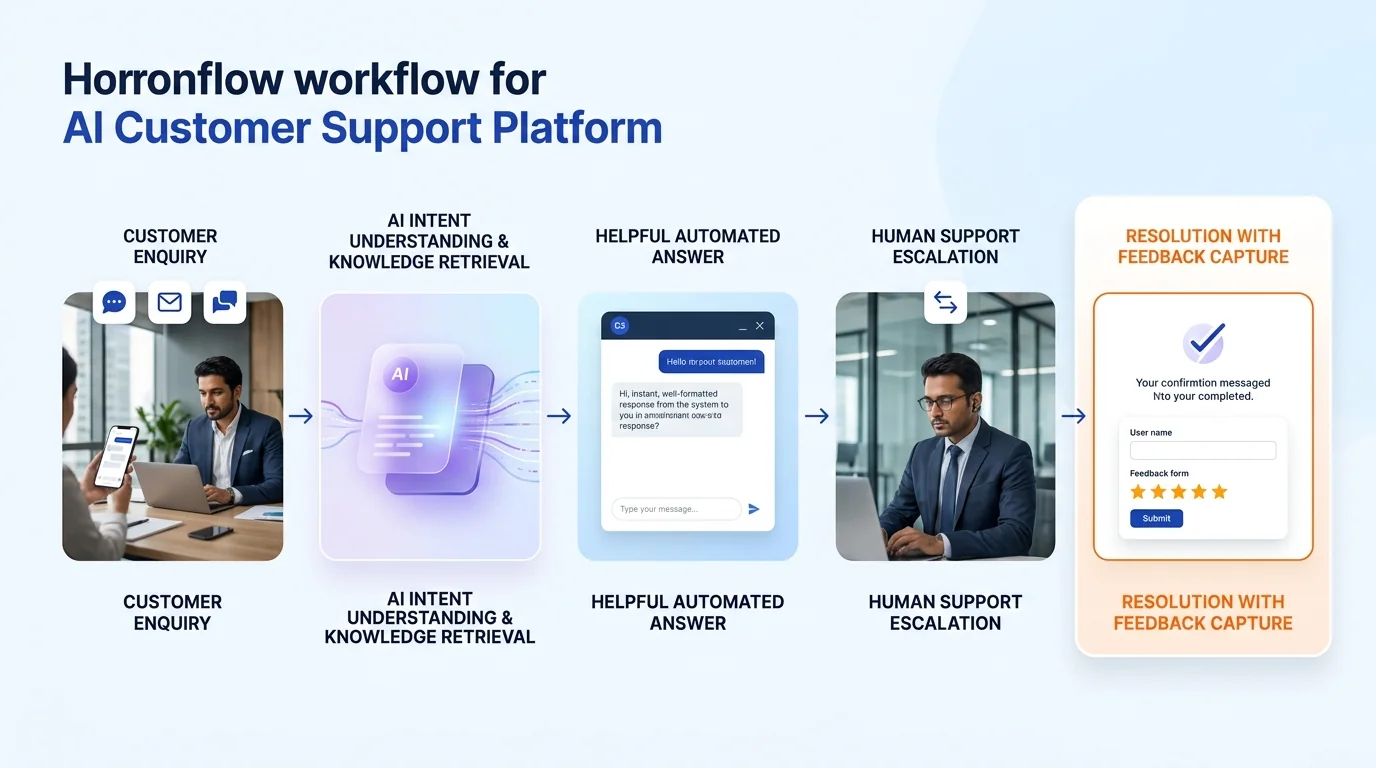
The Growlixa support automation workflow
Step 01 — Understand the support reality
Typical timing: Days 1–5
We map channels, support requests, teams, response paths, knowledge sources and recurring bottlenecks.
Deliverable: support journey map, intent taxonomy and priority automation opportunities.
Step 02 — Design routing, knowledge and human handoff
Typical timing: Week 1–2
We define what can be answered automatically, what needs a ticket, who owns each category and when escalation is required.
Deliverable: support-routing map, knowledge requirements and escalation policy.
Step 03 — Build the support workflow
Typical timing: based on scope
We configure approved channels, knowledge, ticket creation, summary, CRM / helpdesk integration and team notifications.
Deliverable: test-ready support automation environment.
Step 04 — Test edge cases and customer experience
Typical timing: before launch
We test common questions, unclear requests, complaints, sensitive cases, repeated failures, ticket routing and human handoff.
Deliverable: evaluation log, exception process and launch checklist.
Step 05 — Monitor service quality and improve
Typical timing: ongoing
We review conversation outcomes, tickets, knowledge gaps and feedback to improve automation and the wider support process.
Deliverable: support insight report and optimisation roadmap.
Customer support automation use cases
| Business type | Useful support automation role |
|---|---|
| E-commerce | Order questions, delivery information, return route, product support and human escalation |
| Hotel / hospitality | Booking queries, facility information, guest request routing and policy guidance |
| Clinic / wellness | Non-clinical service guidance, appointment support and safe escalation |
| SaaS / IT | Product guidance, onboarding, basic troubleshooting and ticket classification |
| Education | Course access, admission support, policy questions and counselling routing |
| Manufacturer / B2B | Product documentation, order / quote support and account-team routing |
| Professional services | Client intake, document request, consultation support and account routing |
| Local services | Booking, service status, location / timing questions and human follow-up |
What AI customer support should not do without human control
A responsible support system should not:
- invent a policy, refund, product fact or resolution;
- block a customer from reaching a person;
- dismiss complaints;
- make medical, legal, financial or safety decisions;
- expose personal or account data without verified access;
- close a complex issue merely because an automated message was sent;
- send sensitive information to the wrong person;
- claim an issue is resolved without evidence.
How success is measured
Relevant measures can include:
- first response time;
- correct intent routing;
- ticket-context completeness;
- support-request resolution path;
- handoff completion;
- repeated question volume;
- knowledge-gap identification;
- customer feedback;
- agent time spent on repetitive tasks;
- unresolved issue escalation;
- support quality and consistency.
We do not promise that a fixed percentage of support requests will be automated. The suitable level depends on the knowledge quality, request complexity, industry risk and human-support model.
Related Growlixa AI solutions
AI Customer Support Automation connects with:
- AI Chatbot Development;
- AI Knowledge Base & RAG Systems;
- WhatsApp AI Automation;
- AI Calling Assistants;
- AI Integration & API Development;
- AI Workflow Automation;
- AI Document & Data Automation;
- AI Monitoring, Training & Optimisation;
- CRM & Sales Automation;
- Website Design & Development.
Frequently asked questions
What is AI customer support automation?
AI customer support automation uses approved knowledge, conversation logic and workflow integrations to handle common questions, classify requests, create support context and route complex cases to the right human team.
Can AI customer support replace human agents?
It can assist with repetitive first-line work, but human agents remain important for complex, sensitive, emotional or high-impact customer issues. The system should make human support more effective, not inaccessible.
Can the system create tickets automatically?
Yes. It can classify the request, collect required information, create a ticket with a summary and route it to the approved support owner or department.
Can it work across website, WhatsApp and email?
It can support multiple channels depending on the integration scope. Each channel needs appropriate conversation design, permissions and handoff rules.
What happens when the AI does not know the answer?
The system should acknowledge the limitation, collect useful context and route the customer to a human support path. It should not invent an answer.
Can support automation use our help articles and documents?
Yes. Approved support documents, FAQs and policies can be prepared as a knowledge source. More advanced retrieval can use an AI Knowledge Base & RAG System.
Is support automation safe for healthcare or financial businesses?
It can support low-risk approved tasks and routing, but sensitive information and regulated questions require strict boundaries, verified access and qualified human escalation.
Can Growlixa improve the system after launch?
Yes. We can review ticket trends, unanswered questions, handoff reasons and customer feedback to improve knowledge, workflow and support quality over time.
Ready to give customers a more useful first support experience?
Growlixa will review the questions your customers ask, the systems your support team uses and the cases that need a human response. Then we will design an automation system that improves speed without sacrificing accountability.
Primary CTA: Review Your Support Workflow → /contact
Microcopy: Faster first response · Better routing · Human support when needed