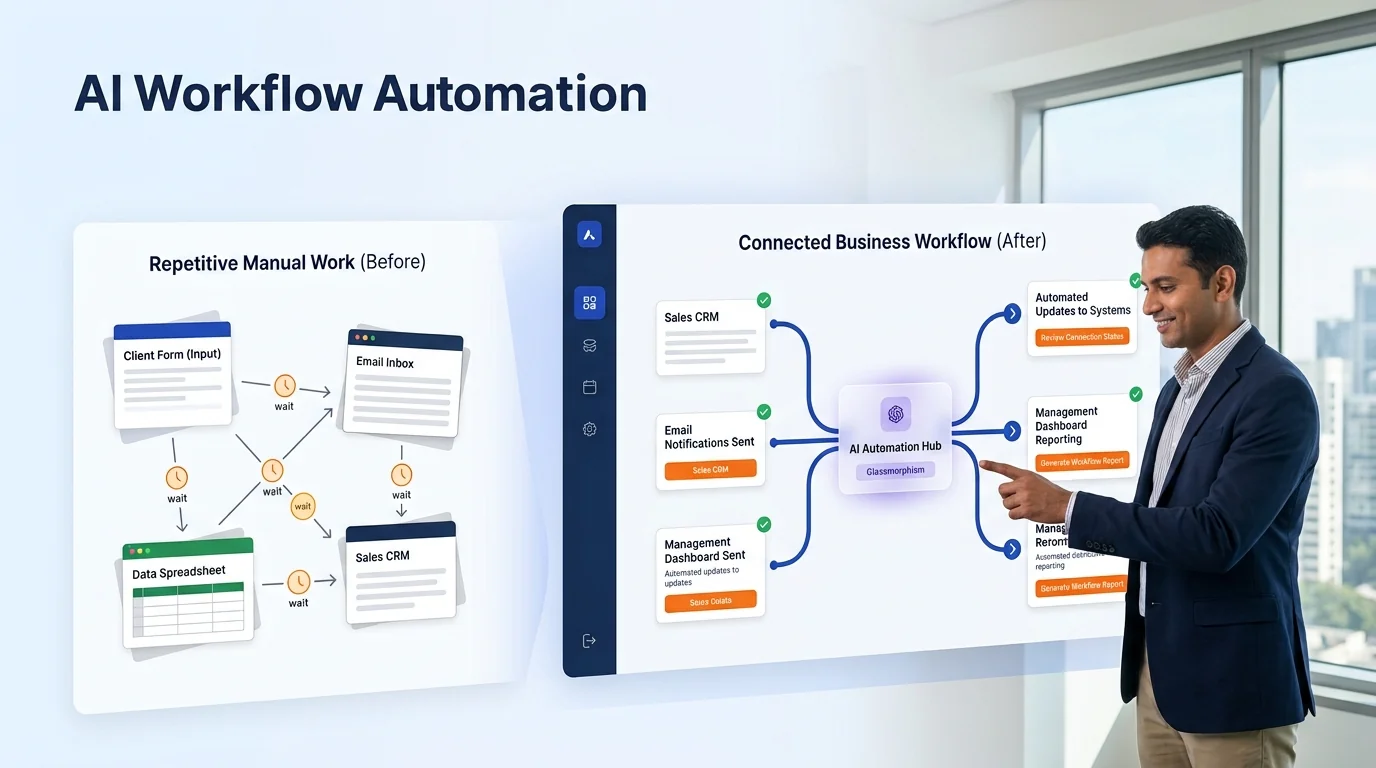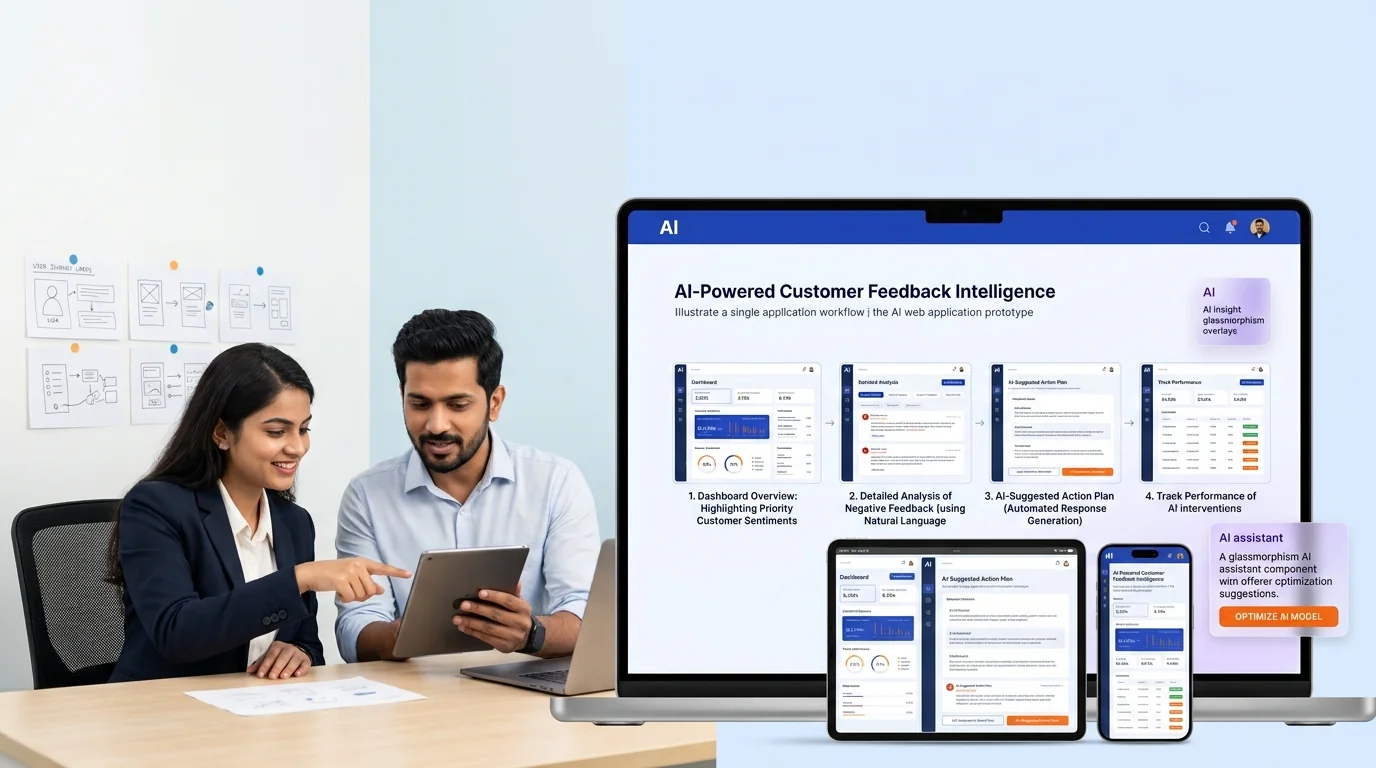
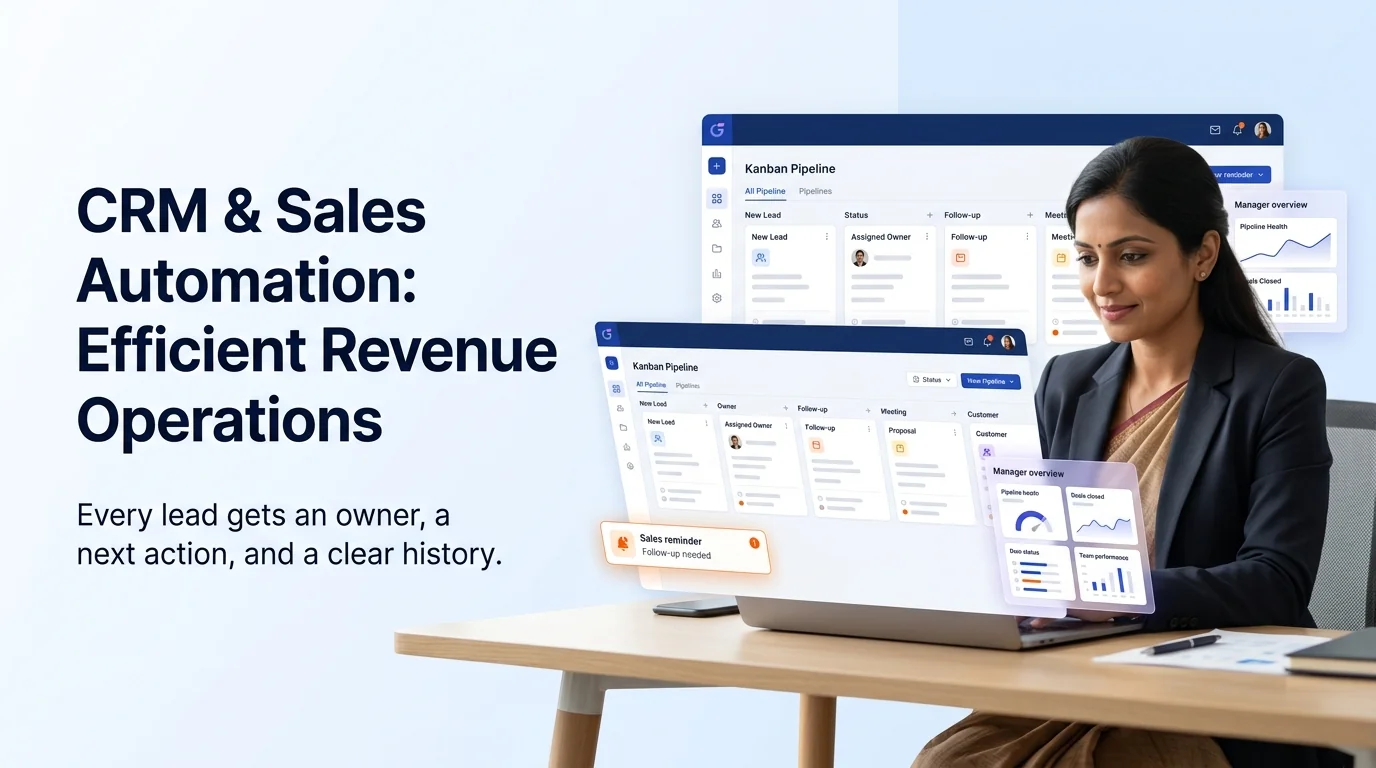
Eyebrow: CRM STRUCTURE, SALES WORKFLOW & PIPELINE VISIBILITY
CRM & Sales Automation That Helps Every Lead Have an Owner, a Next Step and a Clear History
A CRM should help a team sell better. But many businesses use it as a place where incomplete leads, forgotten notes and old deals go to disappear.
Growlixa builds CRM and sales automation systems that make lead ownership, follow-up, pipeline stages and reporting easier to manage. We organise the customer journey from first enquiry to sales conversation, booking, proposal, customer handover and retention. Then we add the rules, reminders, integrations and AI-assisted context that help the process run consistently.
The goal is not to add more fields or dashboards. It is to give your team a clearer answer to three practical questions: Who owns this lead? What happened last? What should happen next?
Primary CTA: Request a CRM Workflow Review →
Supporting line: Lead ownership · Follow-up · Pipeline · CRM integration · Sales tasks · Reporting
A CRM is only useful when the team trusts the process inside it
Sales teams often avoid CRM updates because the system feels like extra administration. Managers then lack accurate pipeline information. Marketing cannot see which campaign sources lead to actual opportunities. Customers repeat information because the notes are missing or inconsistent.
The result is not a software problem alone. It is a workflow problem.
A useful CRM journey should look like this:
CRM automation reduces the repeated administrative work around this journey while keeping sales decisions visible and accountable.
What is CRM and sales automation?
CRM and sales automation uses business rules, integrations, reminders and AI-assisted tools to help teams manage leads and customer relationships more consistently.
It can support:
- lead capture from forms, ads, calls, chat and WhatsApp;
- duplicate checking and contact creation;
- owner assignment;
- task and reminder creation;
- follow-up sequence triggers;
- sales pipeline updates;
- appointment and meeting tracking;
- quote or proposal workflow;
- source tracking;
- call and conversation summaries;
- customer handover;
- reporting and pipeline visibility.
The system does not replace a sales strategy or relationship. It creates the structure that makes good sales work easier to repeat.
What Growlixa CRM & Sales Automation includes
CRM and sales-process audit
We begin with the current reality: where leads arrive, how records are created, who owns them, when follow-up happens and what sales data is actually useful.
We review:
- lead sources;
- current CRM or spreadsheet process;
- duplicate and data-quality issues;
- pipeline stages;
- ownership and assignment rules;
- sales activities and follow-up timing;
- booking, quote and proposal process;
- customer handover process;
- reporting needs;
- team adoption and training gaps.
You receive: CRM workflow audit, data-quality findings and priority improvement plan.
Pipeline and stage design
A pipeline should reflect real customer decisions, not vague labels that mean different things to every sales person.
We help define stages such as:
The exact stages depend on the business. A real-estate pipeline differs from a B2B manufacturing pipeline, a clinic booking flow or an e-commerce support journey.
You receive: stage definitions, required information, ownership rules and recommended next actions.
Lead capture and data structure
We define what information should enter CRM and how it should be organised.
This may include:
- contact and company details;
- lead source and campaign context;
- service or product interest;
- location;
- qualification information;
- customer language or preferred contact route;
- budget / timeline where appropriate;
- call or conversation summary;
- booking status;
- sales owner;
- consent and communication preferences.
We avoid adding fields that no one will use. The best CRM is not the one with the most data; it is the one with the data needed for good decisions.
Assignment, reminders and next-step automation
A lead should not depend on someone remembering to act.
We can design rules for:
- lead assignment by location, service, source or team availability;
- immediate acknowledgement;
- sales task creation;
- follow-up reminders;
- escalation when no action is taken;
- meeting and appointment reminders;
- quote follow-up;
- inactive lead nurture;
- handover to support or account management.
The workflow is approved by the business. Automation creates visibility and consistency; people remain responsible for the quality of the interaction.
AI-assisted sales context
AI can reduce administrative work around a sales process. Depending on the scope, it can help:
- summarise calls or conversations;
- extract relevant information from enquiry messages;
- suggest CRM field updates for human review;
- identify missing lead information;
- draft follow-up based on approved context;
- classify lead intent;
- flag deals with no recent activity;
- prepare manager summaries;
- identify common objections across sales conversations.
AI recommendations should be reviewed where the outcome affects customer communication, deal status or important business decisions.
CRM integrations and automation routes
The CRM can connect to the tools already used by the business.
Possible integrations include:
- website forms;
- landing pages;
- Google and Meta lead sources;
- WhatsApp Business;
- email;
- calendars;
- calling tools;
- chatbots;
- spreadsheets and databases;
- support systems;
- quote / proposal tools;
- dashboards and reporting.
We review the available integration options and design the simplest dependable route.
Sales reporting and pipeline visibility
A sales dashboard should help managers act, not just display numbers.
Useful reporting may show:
- new leads by source;
- response and assignment status;
- stage movement;
- leads with no next action;
- meeting and proposal activity;
- conversion by source;
- lead quality feedback;
- age of open opportunities;
- lost reasons;
- team capacity or follow-up gaps.
The final dashboard depends on the business model and reliable data collection.
Adoption, documentation and improvement
Automation only helps if the team understands the process. We can support:
- workflow documentation;
- field and stage guidance;
- sales-team training;
- manager review process;
- exception handling;
- dashboard walkthrough;
- post-launch adoption review;
- workflow improvement based on real use.
From customer input to a useful business action
Every Growlixa AI workflow is designed around clear actions, reliable data movement and human escalation where needed.
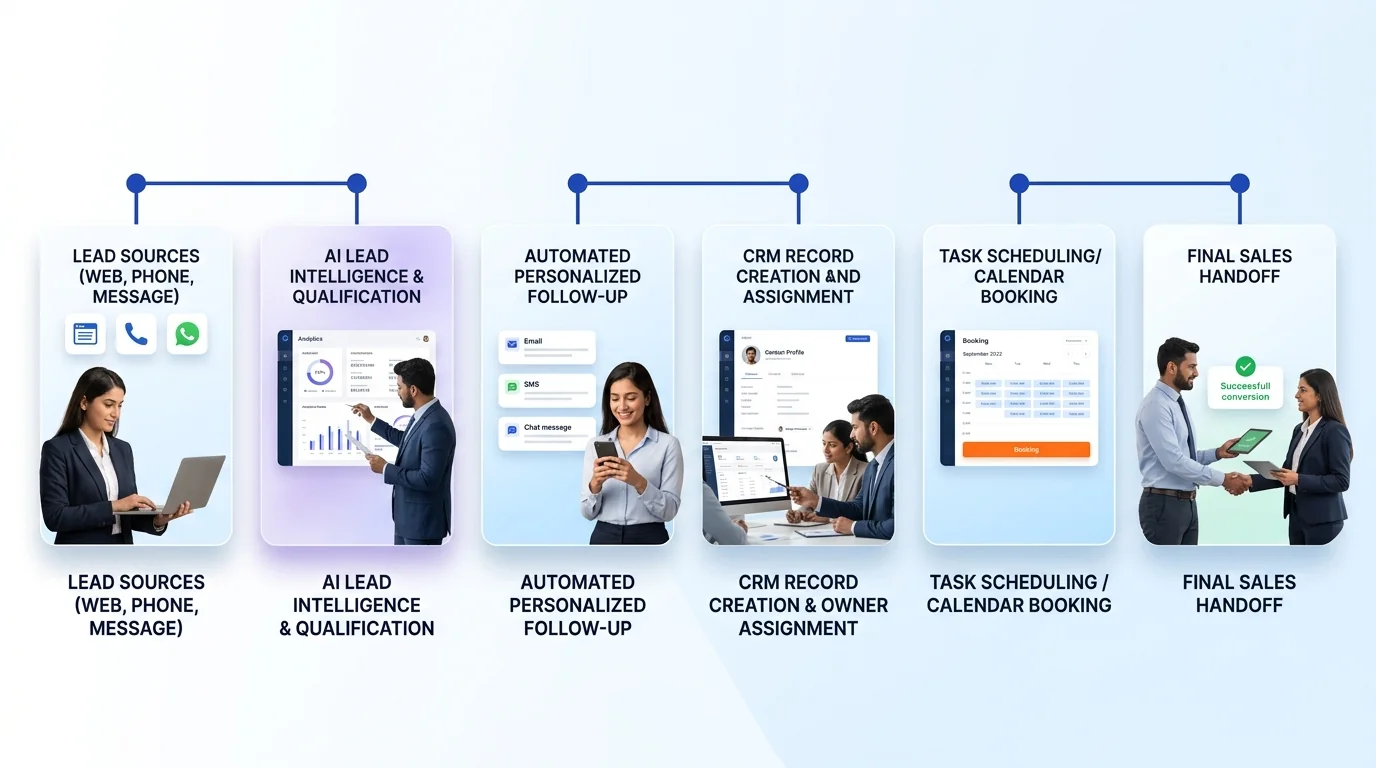
The Growlixa CRM & Sales Automation workflow
Step 01 — Audit the current sales journey
Typical timing: Days 1–5
We map lead sources, ownership, follow-up, current CRM behaviour and pipeline gaps.
Deliverable: current-state sales workflow and CRM audit.
Step 02 — Design the pipeline and data model
Typical timing: Week 1
We define the pipeline stages, fields, ownership rules, required context and reporting needs.
Deliverable: CRM data model, pipeline definitions and next-action rules.
Step 03 — Build integrations and automation
Typical timing: based on scope
We connect approved lead sources, configure assignment, reminders, task creation, follow-up triggers and CRM actions.
Deliverable: test-ready CRM automation system.
Step 04 — Test sales scenarios and exceptions
Typical timing: before launch
We test duplicate leads, missing information, reassignment, no-response, booking, proposal, lost opportunity and human override paths.
Deliverable: quality-assurance log and launch checklist.
Step 05 — Train, monitor and improve adoption
Typical timing: ongoing
We support the team, review workflow data and improve stages, reminders, reports and automation based on actual sales behaviour.
Deliverable: adoption review and CRM optimisation roadmap.
CRM automation use cases by business type
| Business type | Useful CRM automation role |
|---|---|
| Real estate | Lead routing, site-visit scheduling, follow-up and inventory / project context |
| B2B manufacturing | Account records, quote follow-up, buyer requirement capture and sales pipeline |
| Clinic / wellness | Enquiry ownership, appointment request, follow-up and customer handover |
| Education | Admission enquiry, counsellor assignment, application follow-up and batch status |
| Hotel / hospitality | Event / group enquiry, reservation follow-up and sales task routing |
| Professional service | Consultation intake, proposal workflow and account follow-up |
| E-commerce / D2C | High-value customer service, B2B enquiry and retention context |
| Home service | Lead area routing, visit scheduling and task reminders |
What CRM automation should not do without control
A responsible CRM system should not:
- overwrite important customer records without validation;
- assign or close opportunities based on unreviewed AI assumptions;
- send messages without approved communication rules;
- collect unnecessary sensitive data;
- create duplicate customer records without checking;
- hide the original source or conversation context;
- replace manager oversight on material sales decisions.
How success is measured
Relevant measures can include:
- lead assignment time;
- first response completion;
- CRM record completeness;
- follow-up completion rate;
- leads without next action;
- pipeline-stage accuracy;
- meeting and proposal visibility;
- lead-source clarity;
- reduced manual data entry;
- sales-team adoption;
- conversion and lost-reason insight.
We do not promise a fixed sales increase before the sales process, customer demand and team adoption are understood.
Related Growlixa AI solutions
CRM & Sales Automation connects with:
- AI Lead Qualification & Sales Follow-Up;
- AI Workflow Automation;
- AI Integration & API Development;
- AI Calling Assistants;
- WhatsApp AI Automation;
- AI Receptionist & Appointment Booking;
- AI Reporting & Business Intelligence;
- AI Document & Data Automation;
- Google Ads & PPC Management;
- Landing Pages & Conversion Optimisation.
Frequently asked questions
What is CRM automation?
CRM automation uses rules, integrations and AI-assisted workflows to capture leads, assign owners, create tasks, support follow-up, update customer records and improve sales-pipeline visibility.
Can you work with our current CRM?
We review your existing CRM, data quality, available integrations and business workflow before recommending the right approach. The exact implementation depends on platform capability and access.
Will CRM automation replace our sales team?
No. It reduces administrative work, creates clearer ownership and supports timely follow-up. Sales professionals remain responsible for conversations, strategy, negotiation and relationship-building.
Can CRM automation assign leads automatically?
Yes. Assignment can be based on approved business rules such as location, service category, team availability, customer type or existing account owner.
Can it create follow-up reminders?
Yes. The system can create tasks, reminders and escalation rules when a lead has no next action or has not received a follow-up within the agreed process.
Can AI update CRM records?
AI can extract context from calls, forms or messages and suggest or create approved record updates. Important fields and actions should have validation rules and human review where appropriate.
How long does CRM automation take?
Timing depends on the current CRM condition, number of systems, workflow complexity, data quality and integrations. We define practical milestones after an audit.
Can Growlixa provide training after launch?
Yes. We can document the workflow, train sales and manager teams, support adoption and improve the system based on real usage.
Ready to make your sales process easier to manage?
Growlixa will review how leads currently enter, move and disappear inside your business. Then we will recommend the CRM workflow, automation and reporting changes that make the next action clear for every important opportunity.
Primary CTA: Request a CRM Workflow Review → /contact
Microcopy: Clear ownership · Better follow-up · Reliable pipeline visibility