Eyebrow: WHATSAPP BUSINESS, CUSTOMER ENQUIRIES & AUTOMATED FOLLOW-UP
WhatsApp AI Automation That Helps Your Business Reply Faster Without Sounding Robotic
For many businesses in India, WhatsApp is where the real customer conversation happens. A lead clicks an ad, asks for a price, checks availability, wants product photos, requests a booking slot or follows up after a missed call. If the reply is late, the customer often moves on.
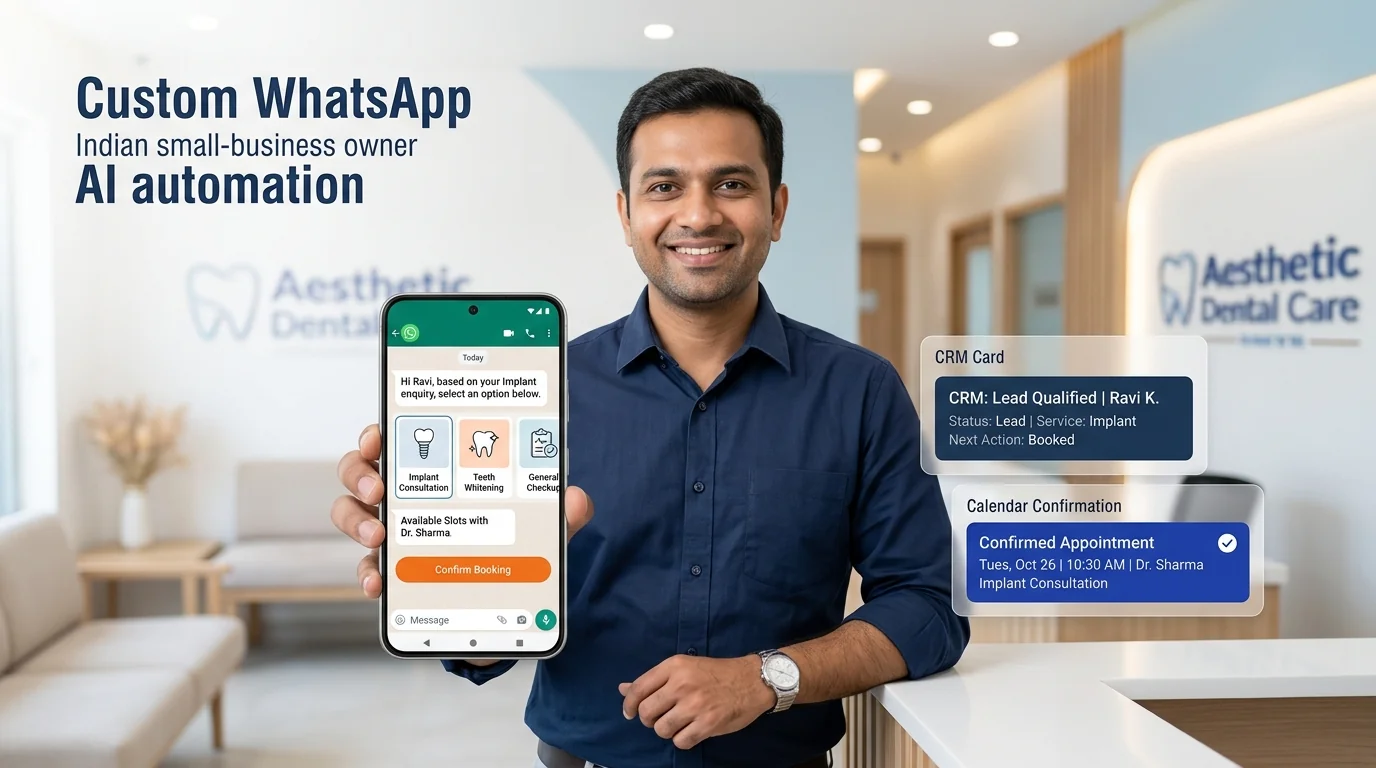
Growlixa builds WhatsApp AI automation systems that help businesses respond quickly, collect the right context, guide customers toward a useful next step and hand complex conversations to the right person. The system can support enquiry handling, lead qualification, appointment requests, product discovery, reminders, follow-up and CRM updates—within an approved and carefully designed customer journey.
The aim is not to send more messages. It is to make every customer interaction more timely, helpful and easier for your team to manage.
Primary CTA: Plan Your WhatsApp Automation →
Supporting line: Enquiry response · Product guidance · Lead qualification · Booking · Follow-up · Human handoff
Your customers are already on WhatsApp. The question is what happens after they message.
A customer message can be a high-value business moment. But many teams manage it through an overloaded phone, scattered staff inboxes and memory-based follow-up.
The result is familiar:
WhatsApp automation creates a structured route:
The experience should feel helpful. Customers should always be able to reach a person when the question needs judgment, sensitivity or detailed support.
What is WhatsApp AI automation?
WhatsApp AI automation is the use of approved business messaging, automation workflows and AI-assisted conversation design to handle common customer interactions on WhatsApp.
It can help a business:
- respond to common enquiries faster;
- share service, product or booking information;
- collect lead details and requirements;
- guide customers through an approved process;
- offer relevant appointment or consultation options;
- send reminders and follow-up messages;
- route complex conversations to a human team member;
- update a CRM or internal workflow;
- review common questions and improve future communication.
The correct implementation depends on the official channel setup, consent, template requirements, business process and applicable platform policies. We plan the system around real customer value—not bulk messaging or spam.
What Growlixa WhatsApp AI Automation includes
WhatsApp use-case discovery
We identify which conversations are worth automating first. Common use cases include:
- service enquiries;
- product or catalogue questions;
- appointment booking requests;
- quote requests;
- lead qualification;
- order or delivery questions;
- event registrations;
- customer support triage;
- post-enquiry follow-up;
- reminder and re-engagement journeys.
We also identify what should remain with a human: price negotiation, sensitive complaints, medical or legal questions, complex technical requirements and high-value sales conversations.
You receive: WhatsApp use-case map, priority flows and human-handoff rules.
Conversation flow and message design
A useful WhatsApp conversation needs to be short, clear and respectful of the customer’s time. We design:
- welcome message and expectation setting;
- quick action options where appropriate;
- natural-language response paths;
- service or product discovery flow;
- qualification questions;
- booking or consultation flow;
- fallback and human-handoff wording;
- reminder and follow-up messages;
- consent-aware message timing.
We do not build endless menus that force customers to click through irrelevant options. The experience should let the customer get useful information quickly.
Product, service and knowledge setup
The quality of an automated response depends on the information available. We prepare approved material such as:
- services and packages;
- product catalogue or product details;
- pricing guidance where approved;
- FAQs;
- business timings and location;
- booking requirements;
- delivery, return or policy information;
- escalation contacts;
- approved marketing offers.
For more advanced knowledge-based answers, the WhatsApp system can connect to an approved AI knowledge base or RAG system. This is scoped separately when required.
Lead qualification and booking
WhatsApp can become a useful lead-intake channel when the conversation collects the context the team actually needs.
Depending on the business, this may include:
- name and contact details;
- service or product interest;
- location;
- budget range where appropriate;
- timeline or urgency;
- preferred appointment time;
- product requirement;
- existing customer status;
- consent and next preferred action.
The workflow can then create a CRM record, notify the right owner, create a task, offer calendar availability or send a confirmation.
Customer support and human handoff
WhatsApp automation should reduce repeated questions, not trap customers inside a bot.
We create escalation paths for:
- customer request to speak to a person;
- low-confidence answer;
- complaint or negative feedback;
- urgent issue;
- payment issue;
- sensitive customer information;
- medical, legal or financial query;
- complex quotation or high-value sales opportunity.
The human team receives the relevant conversation context, reducing the need for the customer to repeat everything.
Follow-up, reminders and customer journeys
The most valuable WhatsApp system often works after the first message. With appropriate customer consent and approved business rules, we can design:
- appointment reminders;
- quote follow-up;
- missed-call response;
- booking confirmation;
- pre-visit instructions;
- order update route;
- abandoned enquiry follow-up;
- review request after a genuine service experience;
- re-engagement for relevant customers.
The frequency, timing and content must respect customer expectations. Automation should improve the relationship, not create message fatigue.
CRM, calendar and workflow integration
The value increases when WhatsApp conversations connect to the systems your team uses.
Possible connections include:
- CRM lead creation and updates;
- lead-owner assignment;
- calendar availability and booking;
- website form and ad lead context;
- email notifications;
- task management;
- support-ticket creation;
- payment or order workflow where appropriate;
- analytics and reporting.
Integration depends on the business tools, channel setup and available APIs.
Testing and ongoing improvement
Before launch, we test common enquiries, variations in language, incomplete messages, human handoff, booking and downstream data updates.
After launch, we review:
- common customer intents;
- unanswered questions;
- lead capture completion;
- booking completion;
- handoff rate;
- message drop-off points;
- customer feedback;
- team feedback about lead quality.
From customer input to a useful business action
Every Growlixa AI workflow is designed around clear actions, reliable data movement and human escalation where needed.
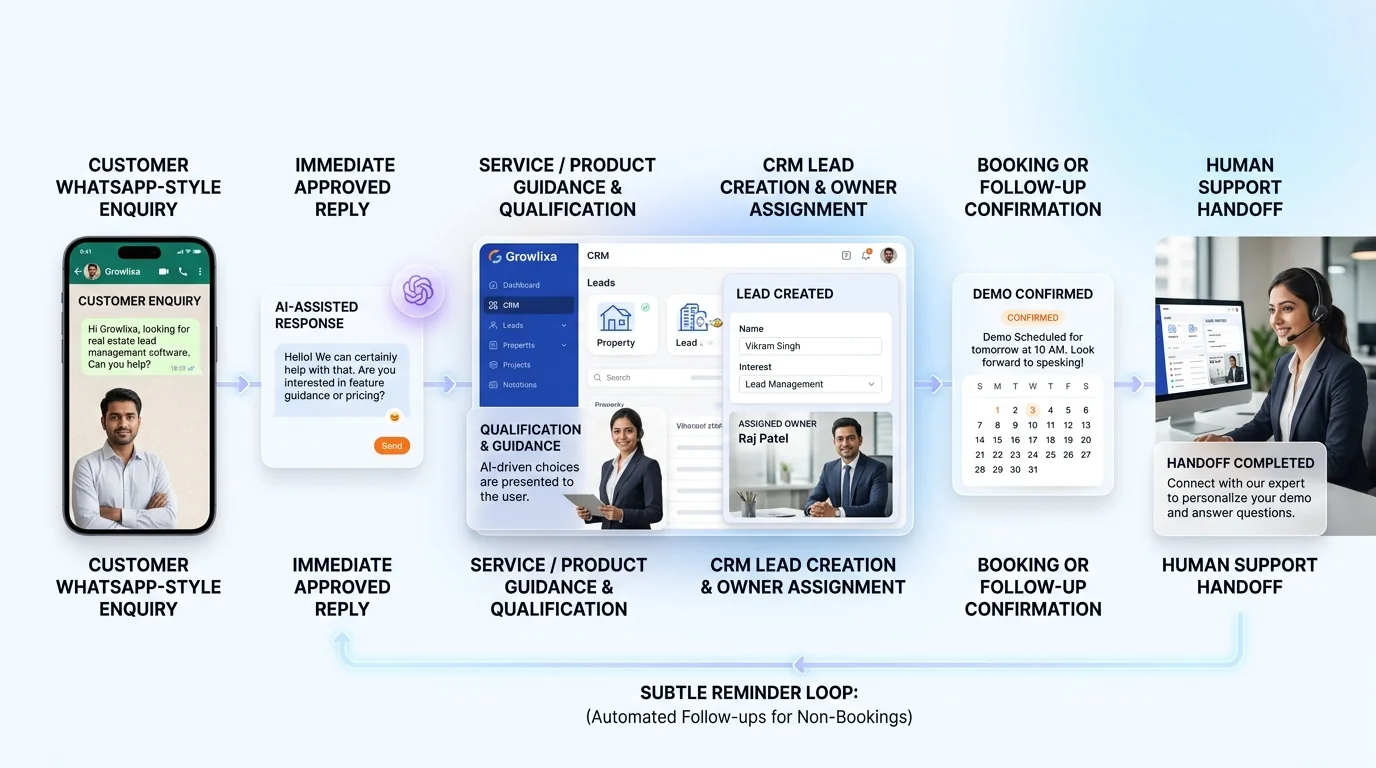
The Growlixa WhatsApp AI Automation workflow
Step 01 — Define the customer conversation that matters most
Typical timing: Days 1–4
We select the highest-value use case: enquiries, booking, lead qualification, product guidance, support or follow-up.
Deliverable: WhatsApp conversation objective and priority use-case brief.
Step 02 — Map the customer journey and handoff points
Typical timing: Week 1
We design how the customer enters, what they need to know, what details should be collected and when a person should take over.
Deliverable: conversation map, qualification logic and escalation rules.
Step 03 — Prepare approved knowledge and integrations
Typical timing: based on scope
We prepare service / product information, configure the approved channel flow and connect CRM, calendar, notifications or other agreed systems.
Deliverable: test-ready WhatsApp automation environment.
Step 04 — Test real language and business scenarios
Typical timing: before launch
We test Hindi, English or Hinglish requirements where needed, incomplete enquiries, booking changes, complex requests and human handoff.
Deliverable: tested launch checklist and exception process.
Step 05 — Launch, observe and improve
Typical timing: ongoing
We review customer behaviour and team feedback, then improve the conversation, knowledge, follow-up or routing logic.
Deliverable: conversation insight report and optimisation roadmap.
WhatsApp automation use cases by industry
| Industry | Useful WhatsApp automation role |
|---|---|
| Clinic / wellness | Appointment request, service guidance, reminder and human escalation |
| Hotel / hospitality | Room enquiry, booking request, facility information and guest follow-up |
| Real estate | Project information, budget qualification and site-visit request |
| Education | Course enquiry, admission details, demo class or counselling booking |
| E-commerce | Product guidance, order support, delivery questions and repeat purchase journey |
| Restaurant | Menu guidance, reservation / ordering route and customer feedback |
| Manufacturer / B2B | Catalogue request, capability enquiry, qualification and sales-owner routing |
| Professional service | Consultation intake, service explanation and meeting booking |
What WhatsApp automation should not do
A responsible implementation should not:
- send bulk promotional messages without proper consent and approved channel process;
- pretend to be a human employee;
- make sensitive medical, legal or financial decisions;
- reveal customer or business data without appropriate access rules;
- continue automated responses when a customer requests a human;
- negotiate complex commercial terms without an approved human process;
- keep messaging a customer after they opt out or the journey is complete.
How success is measured
The right measures depend on the use case. They may include:
- first response time;
- enquiry-to-conversation completion;
- lead details captured;
- qualified lead handoff;
- appointment / booking completion;
- follow-up completion;
- missed-call response coverage;
- support-request routing accuracy;
- human handoff rate;
- customer feedback;
- CRM data completeness.
We do not promise a fixed automation or conversion percentage before understanding your customer volume, business process and response team.
Related Growlixa AI solutions
WhatsApp AI Automation connects with:
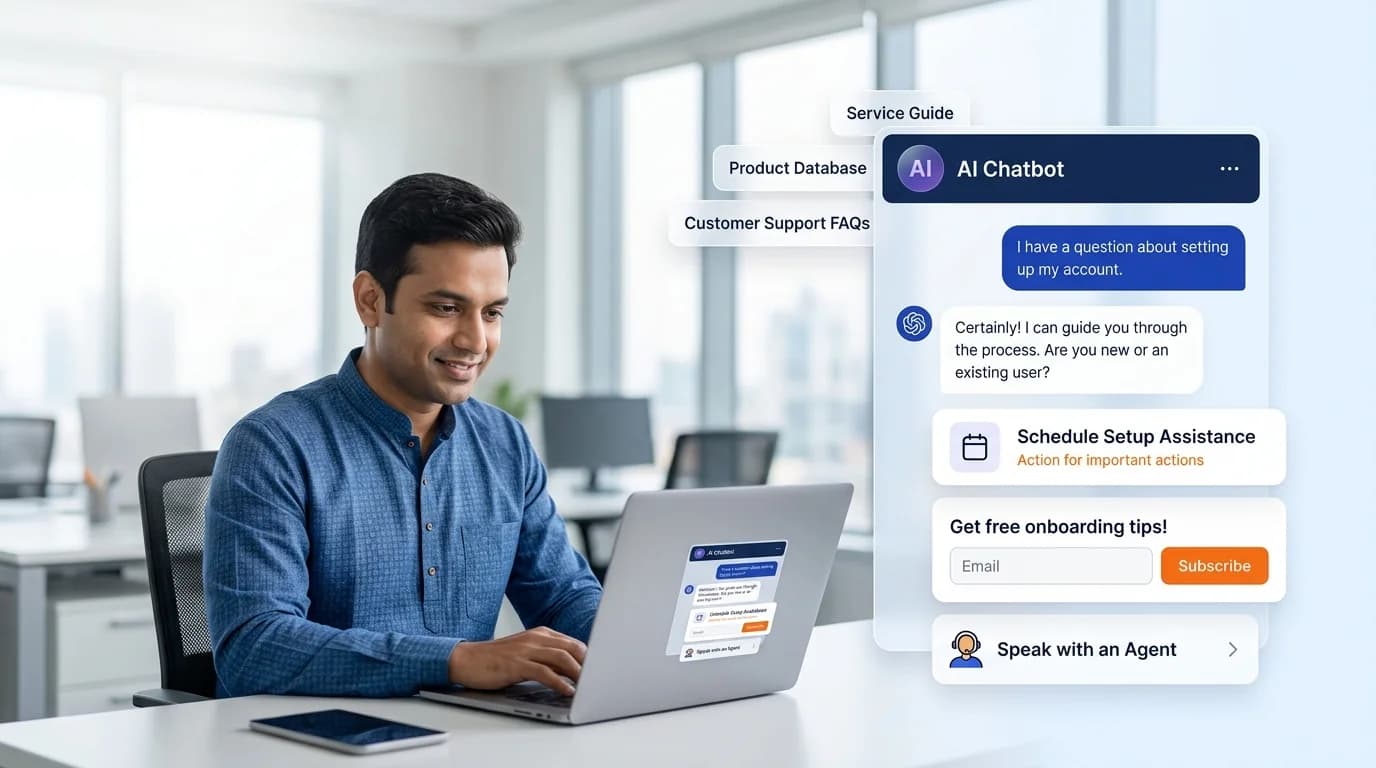
- AI Chatbot Development;
- AI Calling Assistants;
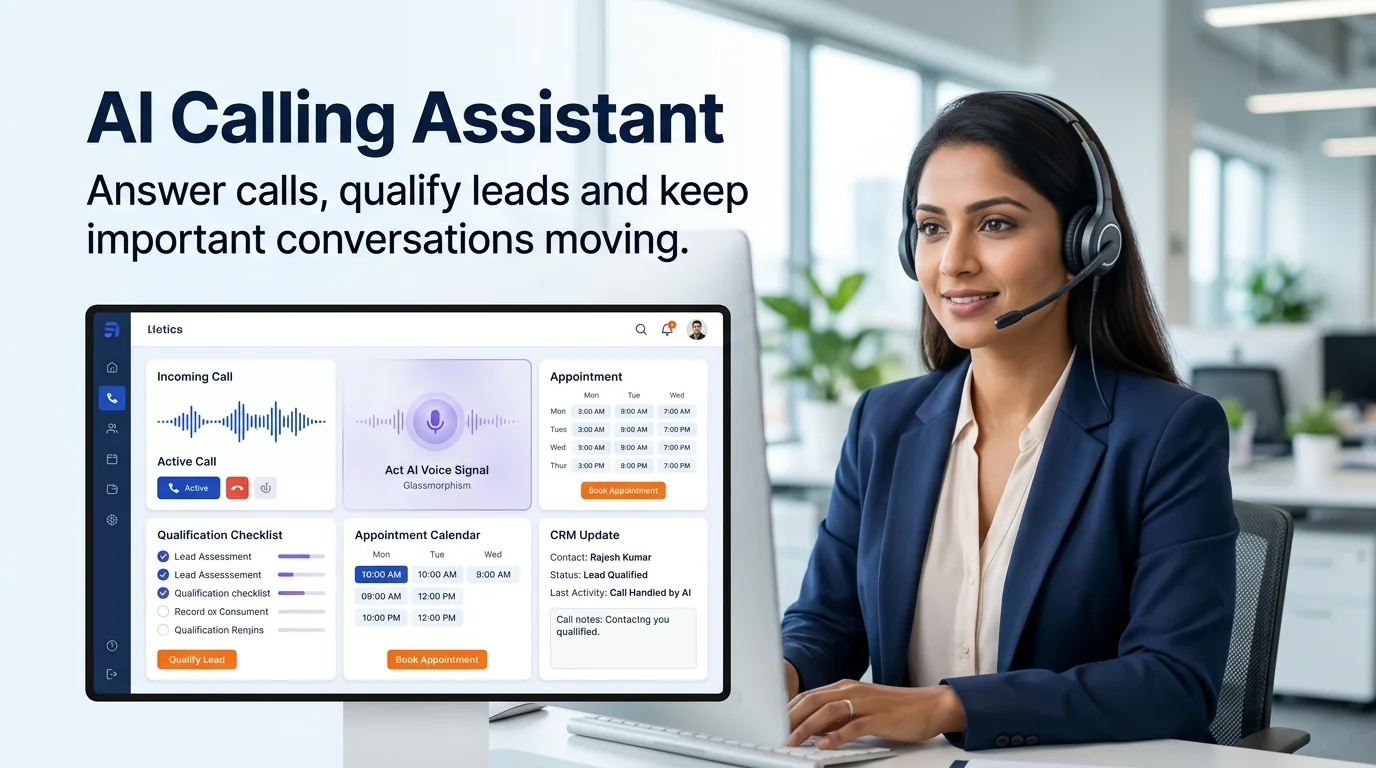
- AI Receptionist & Appointment Booking;
- AI Lead Qualification & Sales Follow-Up;
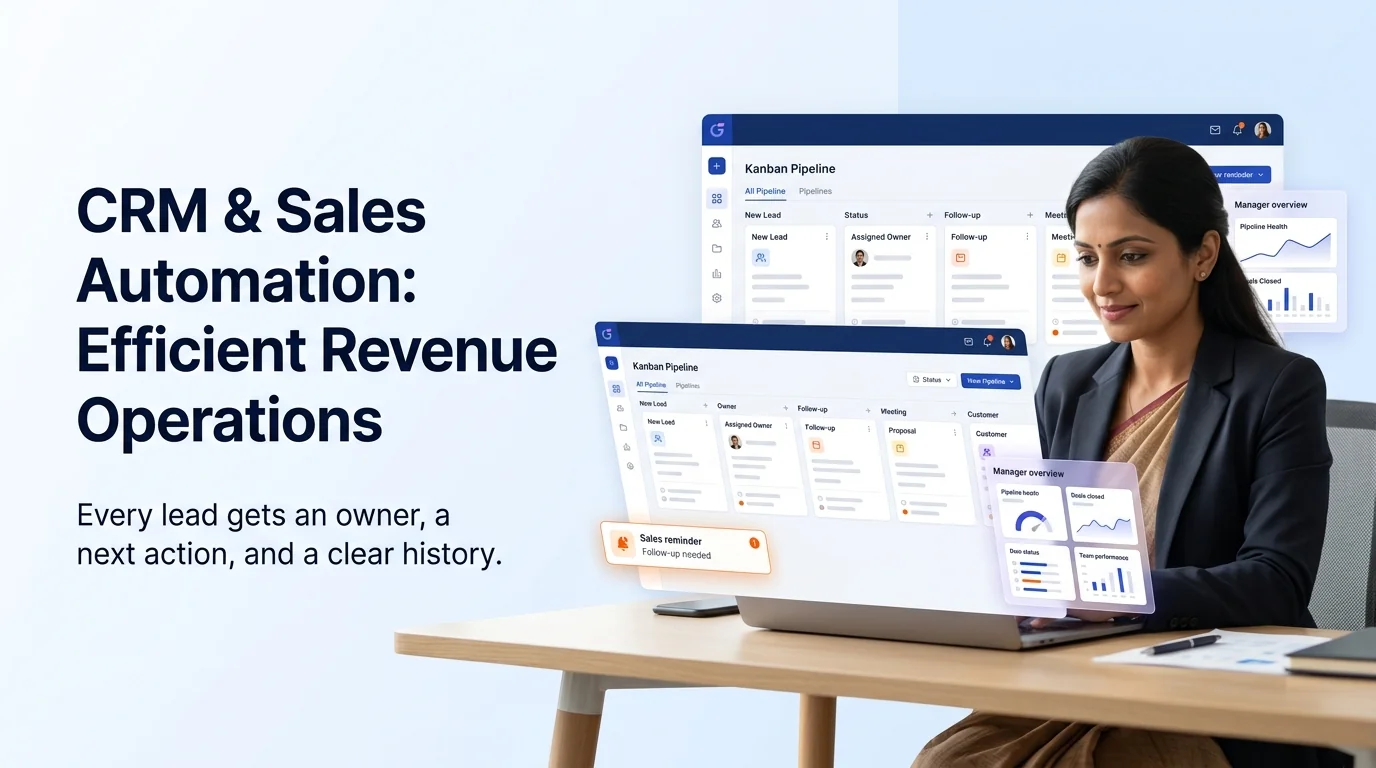
- CRM & Sales Automation;
- AI Customer Support Automation;
- AI Knowledge Base & RAG Systems;
- AI Workflow Automation;
- Landing Pages & Conversion Optimisation;
- Email Marketing & Customer Retention.
Frequently asked questions
What is WhatsApp AI automation?
WhatsApp AI automation uses approved messaging flows, business information and integrations to help a company respond to common customer enquiries, collect relevant details, route conversations and trigger useful next actions.
Can it work in Hindi, English and Hinglish?
Yes, multilingual conversation requirements can be planned and tested based on your customer language. We test real customer phrases before launch rather than assuming generic language support is enough.
Can WhatsApp automation book appointments?
Yes. Within the agreed scope, it can collect booking details, check or request availability through an approved calendar flow, send confirmation and update the relevant team or CRM record.
Can it share products or service information?
Yes. We prepare approved product, service, catalogue and FAQ information so customers can receive relevant guidance. More advanced knowledge-based answers can connect to a RAG knowledge system where needed.
What happens when a customer wants to speak to a person?
The system should offer a clear human handoff. The team receives the conversation context and relevant details so the customer does not need to repeat the entire enquiry.
Is WhatsApp automation suitable for small businesses?
It can be useful for small businesses that receive repeated enquiries, booking requests or follow-up questions. The right scope depends on message volume, customer journey and the business’s ability to handle escalated conversations.
Can WhatsApp automation update our CRM?
Yes, if the CRM and WhatsApp setup support the required integration. The automation can create or update lead records, assign owners, create tasks and pass conversation details according to the agreed workflow.
Can Growlixa maintain the system after launch?
Yes. Growlixa can support knowledge updates, conversation review, workflow monitoring, testing and optimisation through AI Monitoring, Training & Optimisation services.
Ready to make your WhatsApp enquiries easier to manage?
Growlixa will review the customer messages your team receives, the details your team needs and the action you want each customer to take. Then we will design a WhatsApp journey that helps customers move forward without losing the human support they expect.
Primary CTA: Plan Your WhatsApp Automation → /contact
Microcopy: Faster response · Useful customer journeys · Human handoff when needed