Eyebrow: DOCUMENT INTELLIGENCE, DATA EXTRACTION & OPERATIONAL WORKFLOWS
AI Document & Data Automation That Helps Your Team Spend Less Time Copying Information
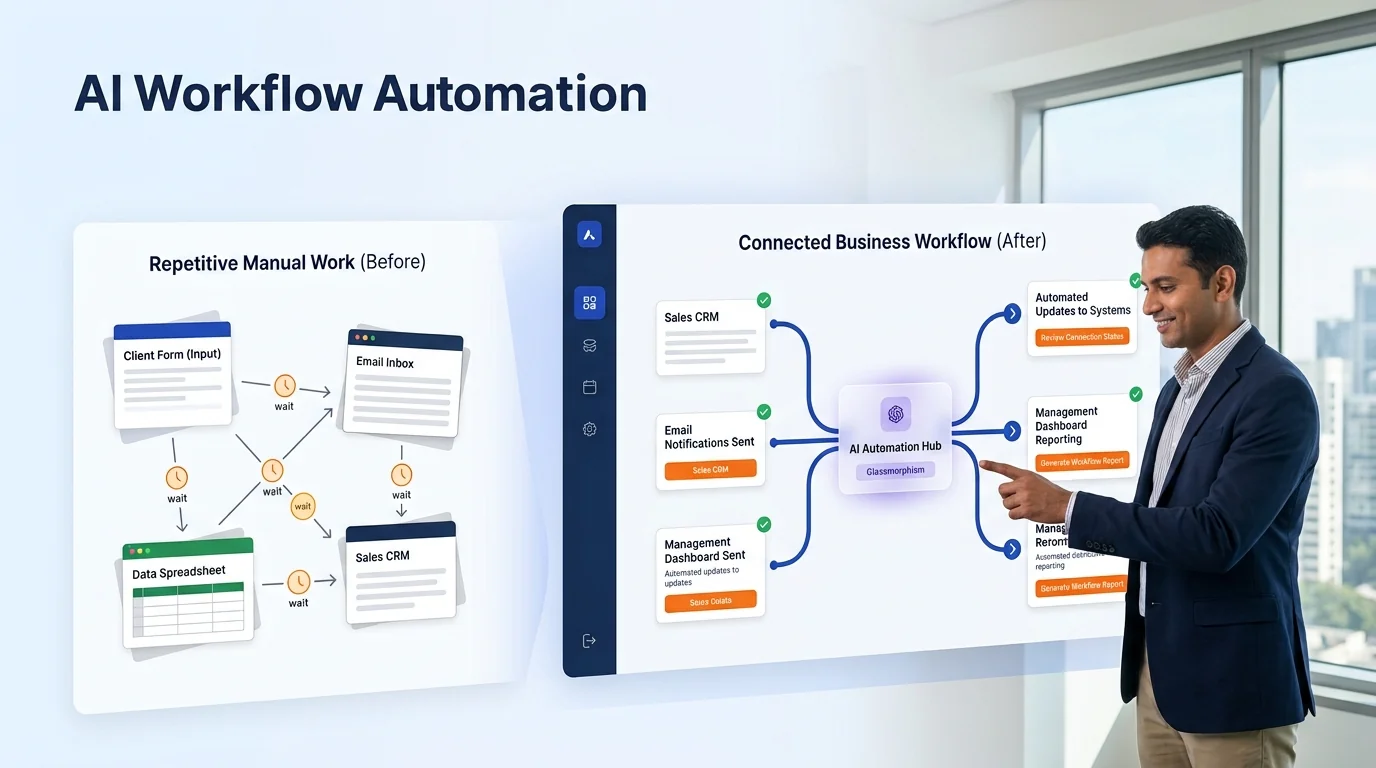
Invoices, forms, PDFs, quotations, reports, customer documents and internal files often hold information the business needs—but the data is trapped inside documents. Someone has to open the file, read it, copy details into another system, check for errors and chase missing information.
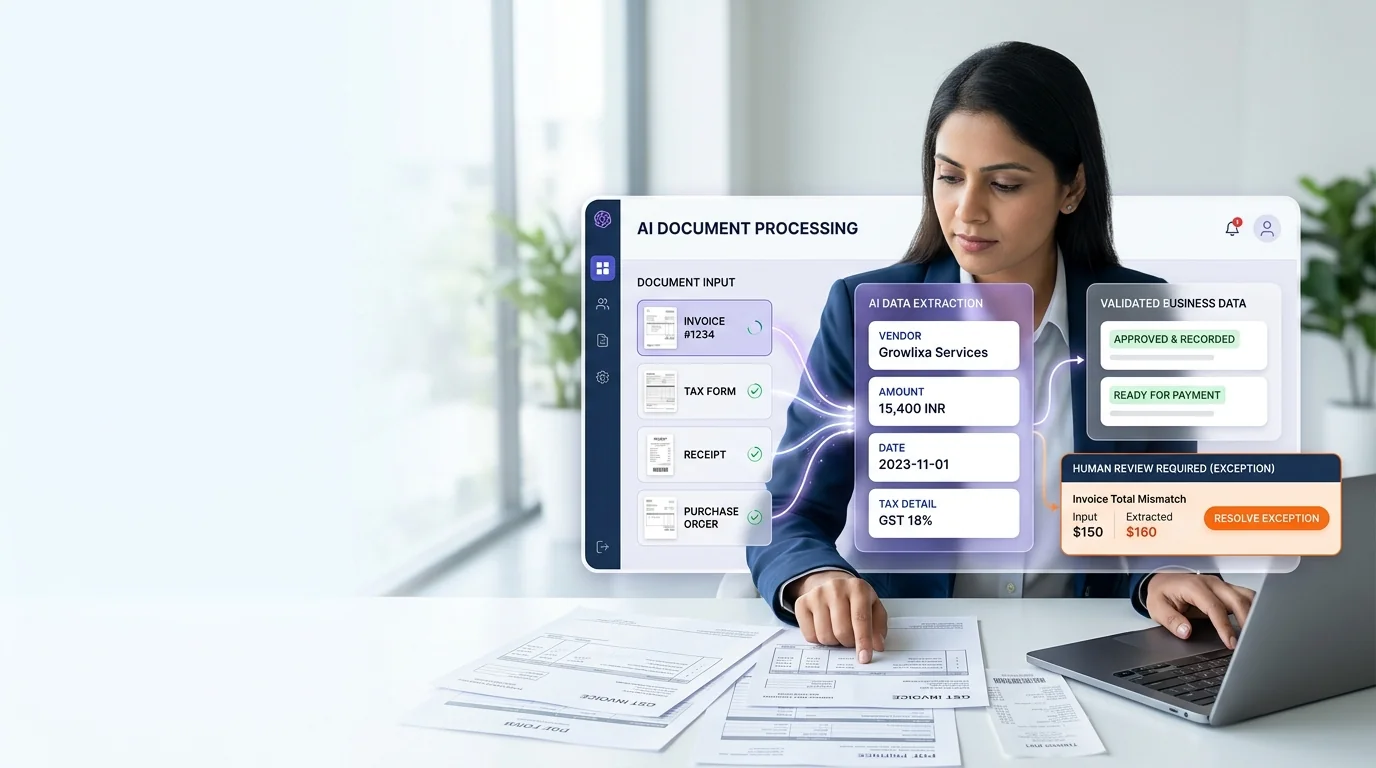
Growlixa builds AI document and data automation systems that help businesses classify documents, extract approved information, validate important fields, route exceptions to a human and update the relevant workflow or business system. The aim is not to remove every review step. It is to reduce repetitive manual work while keeping people in control of exceptions and important decisions.
A reliable document system should be able to explain what it extracted, flag what it could not confirm and make the next business action easier.
Primary CTA: Review Your Document Workflow →
Supporting line: Document intake · Data extraction · Validation · Human review · System updates · Audit trail
Documents are valuable business data, not just files waiting in an inbox
A document workflow often seems harmless because each task is small. But across a month, teams may spend many hours downloading attachments, searching for details, copying fields, naming files, checking formats and updating spreadsheets or CRM records.
The process becomes harder when documents vary:
Different invoice layouts
Different supplier forms
Scanned PDFs
Handwritten fields
Missing data
Multiple languages
Duplicate submissions
Email attachments
AI document automation can help classify and extract information from varied input, but it needs validation. A model may read text, but the business still needs rules around which field matters, what format is acceptable, what requires approval and when an exception must go to a person.
What is AI document and data automation?
AI document and data automation combines document intake, OCR or text extraction, classification, AI-assisted information extraction, validation rules, routing and system updates.
It can support:
- invoice and receipt processing;
- customer or lead form extraction;
- quotation and purchase-order data handling;
- application and onboarding documents;
- report summarisation;
- contract or policy document routing;
- document categorisation;
- file naming and organisation;
- CRM, spreadsheet or ERP update;
- missing-information alerts;
- human review queue;
- audit trail and workflow reporting.
The appropriate level of automation depends on document type, data quality, error tolerance, regulatory requirements and the consequences of a wrong action.
What Growlixa AI document automation includes
Document workflow discovery
We begin by understanding what documents arrive, who handles them and what business action follows.
We review:
- document types and volumes;
- source channels: email, form, upload, portal, WhatsApp or internal folder;
- required data fields;
- current manual steps;
- document quality and format variation;
- validation rules;
- sensitive information;
- destination system: CRM, spreadsheet, ERP, accounting, support or archive;
- exception and approval process;
- reporting requirements.
You receive: current document workflow map, data-field inventory and automation opportunity assessment.
Document classification and intake design
The system needs to identify what it is receiving before it decides what to do.
We can design classification for:
- invoices;
- receipts;
- purchase orders;
- customer forms;
- onboarding documents;
- project reports;
- quotation documents;
- support attachments;
- contracts or policy documents;
- internal operational files.
Classification rules are paired with confidence thresholds and human review where document type is unclear.
Data extraction and normalisation
We define the specific information the business needs to extract. Examples include:
- customer or company name;
- invoice number and amount;
- date;
- purchase order details;
- contact information;
- product or service information;
- address;
- document status;
- relevant reference number;
- required action;
- missing fields.
The output is normalised into a usable format before it enters another system. This reduces the problem of one document writing “Invoice No.” while another uses a different label for the same business field.
Validation and business-rule checks
Extracting a value is not the same as accepting it. We add validation rules such as:
- required field present;
- date format valid;
- amount within expected range;
- duplicate document check;
- supplier / customer match;
- reference number format;
- required supporting document attached;
- correct destination department;
- approval required above a threshold;
- mismatch between extracted data and existing record.
A failed validation should not silently update a system. It should create a clear exception route.
Human review and exception handling
Human review is central to reliable document automation. We design a queue or process for:
- unclear document classification;
- missing fields;
- low-confidence extraction;
- validation failure;
- duplicate concern;
- unusual amount or value;
- sensitive document;
- policy exception;
- system integration failure.
The reviewer should see the document, extracted information, reason for exception and the action needed.
System update and downstream workflow
Once data is approved, the workflow can perform a useful next action:
- create or update CRM record;
- populate spreadsheet;
- create accounting or ERP entry;
- notify the right owner;
- create a task or approval request;
- route a support request;
- trigger customer acknowledgement;
- update dashboard or report;
- archive the document using agreed naming rules.
The final action is defined by the business workflow—not by the AI tool alone.
Audit, monitoring and improvement
We support visibility into the document process through:
- document volumes and categories;
- extraction success and exception trends;
- validation failure reasons;
- human-review queue volume;
- turnaround time;
- data-quality patterns;
- system-update completion;
- workflow error logs;
- recommended source-template or process improvements.
From customer input to a useful business action
Every Growlixa AI workflow is designed around clear actions, reliable data movement and human escalation where needed.
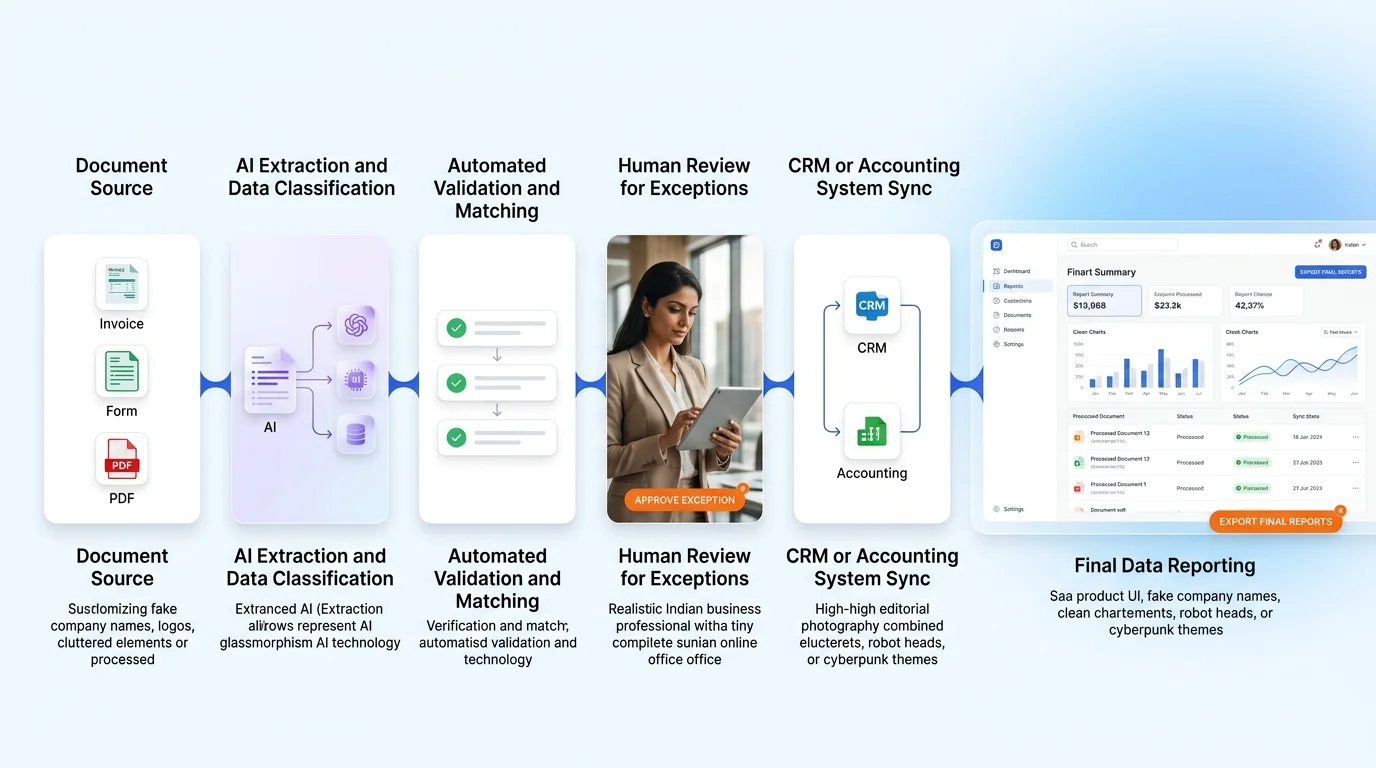
The Growlixa document automation workflow
Step 01 — Map documents, fields and downstream actions
Typical timing: Days 1–5
We identify documents, current manual work, required fields, validation rules and destination systems.
Deliverable: document workflow map and field / rule inventory.
Step 02 — Define classification and extraction logic
Typical timing: Week 1
We design document categories, extraction fields, normalised outputs, confidence thresholds and exception paths.
Deliverable: document processing specification and review rules.
Step 03 — Build the intake, extraction and validation flow
Typical timing: based on scope
We configure document intake, classification, extraction, validation, review queue and approved system updates.
Deliverable: test-ready document automation environment.
Step 04 — Test real document variation and exceptions
Typical timing: before launch
We test clean documents, poor scans, incomplete forms, duplicates, unexpected layouts, missing fields and integration failures.
Deliverable: test log, exception process and launch checklist.
Step 05 — Monitor quality and improve source workflows
Typical timing: ongoing
We review success, exceptions, data quality and changing business needs to improve the system and upstream document process.
Deliverable: document automation insight report and optimisation roadmap.
Document automation use cases by business type
| Business type | Useful document automation role |
|---|---|
| Manufacturing / B2B | Purchase orders, quotations, supplier documents and quality paperwork |
| Finance / operations | Invoice, receipt, statement and reconciliation workflow support |
| Logistics | Shipment documents, proof of delivery, freight paperwork and vendor forms |
| Real estate | Enquiry documents, property forms, agreements and customer intake |
| Healthcare / wellness | Approved non-clinical intake and administrative documents with strict privacy controls |
| Education | Admission forms, student documents and administrative workflows |
| Professional services | Client onboarding, questionnaires, proposals and document routing |
| E-commerce | Supplier invoices, return forms, support attachments and order-related documents |
What document automation should not do without control
The system should not:
- approve payment, contract, credit, medical or legal decisions without authorised human review;
- silently overwrite important source data;
- accept a low-confidence extraction as verified fact;
- expose sensitive documents to unauthorised users;
- delete original files without retention policy;
- hide validation failures;
- use documents outside approved business purpose or access rules.
How success is measured
Relevant measures may include:
- document processing turnaround;
- manual data-entry steps reduced;
- extraction completeness;
- validation and exception rate;
- human-review time;
- duplicate detection;
- destination-system update completion;
- data-quality improvement;
- workflow reliability;
- source-template improvement opportunities.
We do not promise a fixed extraction accuracy or time saving before reviewing the document quality, data complexity and validation requirements.
Related Growlixa AI solutions
AI Document & Data Automation connects with:
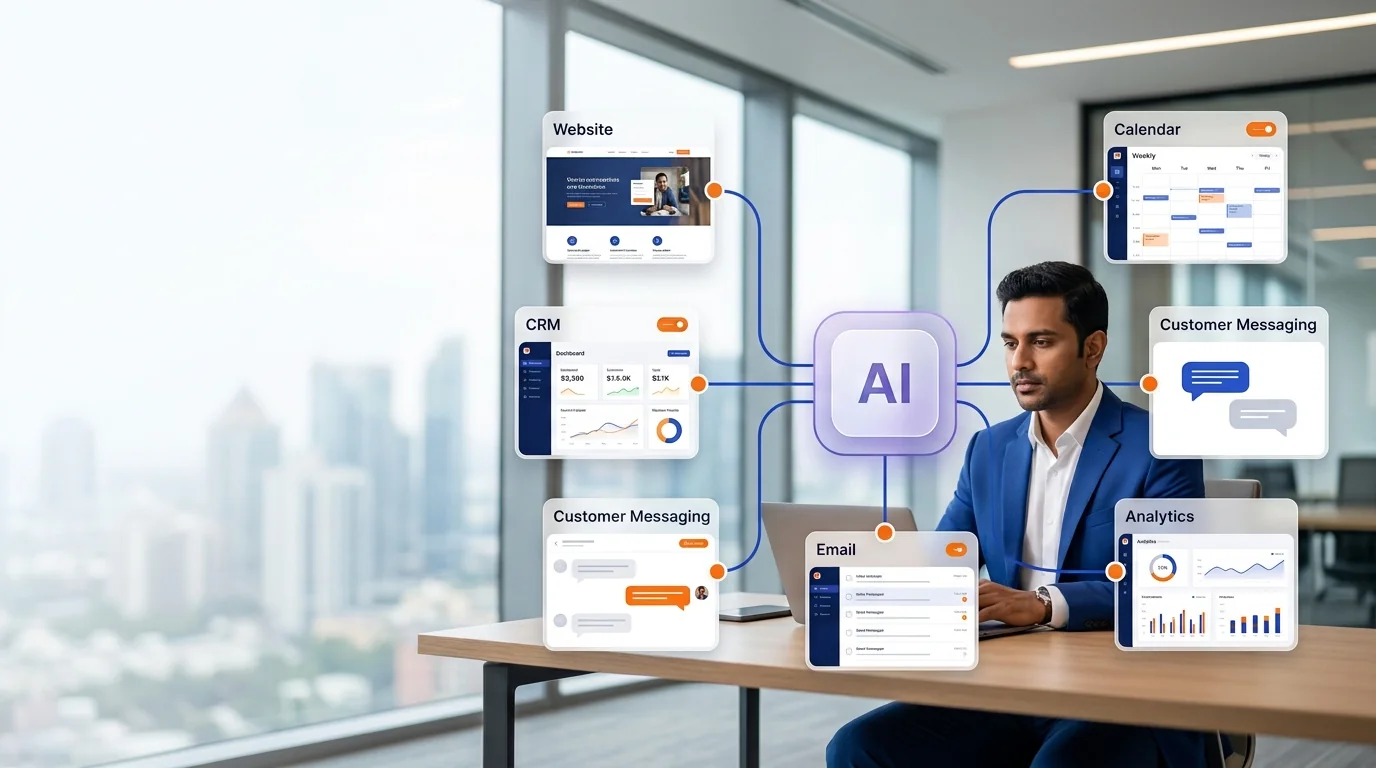
- AI Workflow Automation;
- AI Integration & API Development;
- AI Knowledge Base & RAG Systems;
- AI Reporting & Business Intelligence;
- CRM & Sales Automation;
- AI Monitoring, Training & Optimisation;
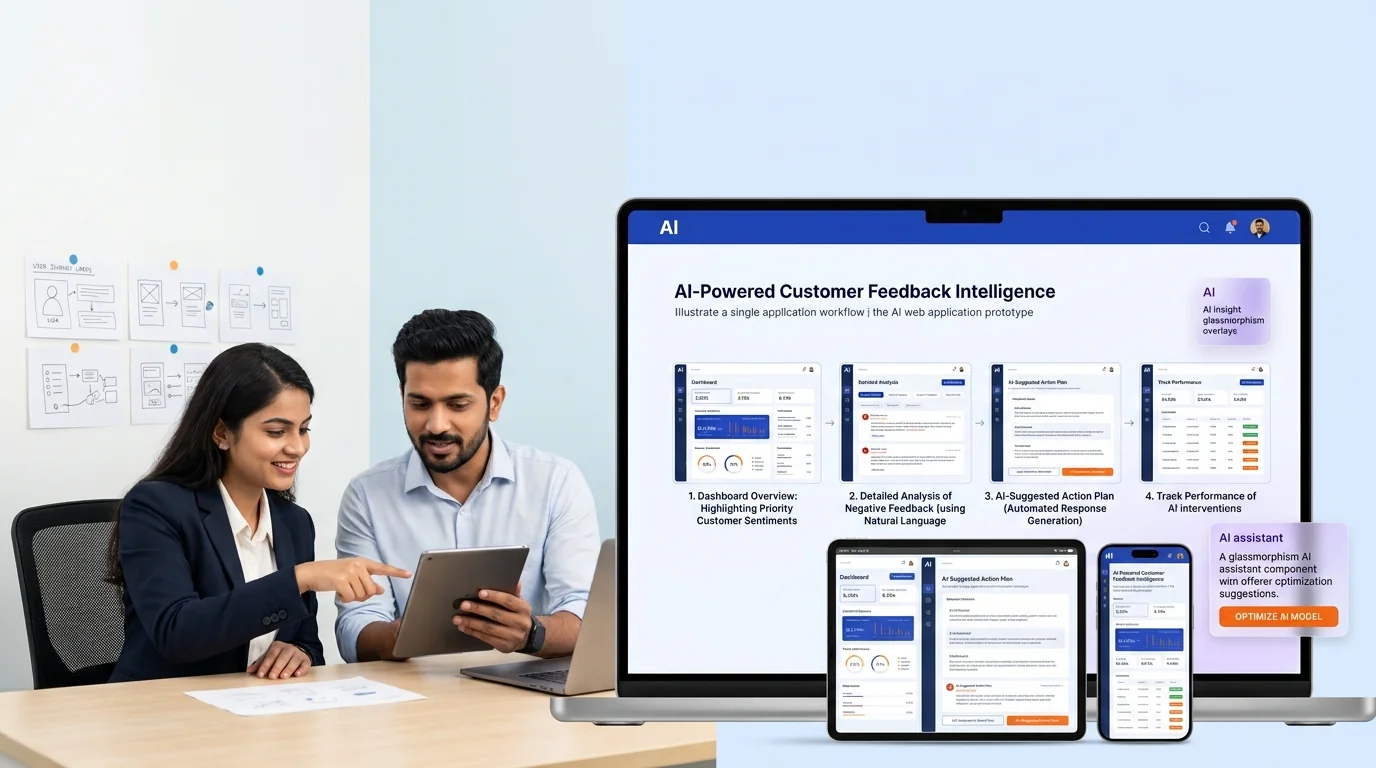
- Custom AI Web Apps & MVP Development;
- Manufacturing & B2B Lead Generation services.
Frequently asked questions
What is AI document automation?
AI document automation helps businesses classify documents, extract useful data, validate fields, route exceptions for review and update approved business systems without repeated manual copying.
Can AI process invoices and receipts?
It can support extraction and workflow handling for invoices and receipts, subject to document quality, field requirements, validation rules and appropriate human approval for financial decisions.
Can it read scanned PDFs?
It can support document text extraction from scanned material, but quality depends on scan clarity, document layout, handwriting, language and required fields. We test representative documents before defining the workflow.
Will every extracted field be correct?
No system should assume perfect extraction. We use validation rules, confidence thresholds and human review for exceptions or material decisions.
Can it update CRM, spreadsheets or ERP systems?
Yes, with appropriate approved integration. The workflow can create or update records, notify owners or populate data after validation and required review.
Is document data secure?
Security depends on storage, access control, permissions, integrations and business policy. We identify sensitive data and appropriate boundaries before implementation.
Can our team review documents before data is finalised?
Yes. Human review queues can be built for low-confidence extraction, missing information, validation failures or high-impact actions.
Can Growlixa maintain the document workflow after launch?
Yes. We can support monitoring, exception review, workflow updates, source-template improvements and team training through AI Monitoring services.
Ready to turn document work into a more reliable process?
Growlixa will review the files your team handles, the data you need, the decisions that require approval and the systems where information must go. Then we will recommend an automation scope that reduces repetitive work without removing control.
Primary CTA: Review Your Document Workflow → /contact
Microcopy: Structured data · Clear exceptions · Human review where needed